


Create a 3D gradient Brush Effect | Easy Adobe Illustrator Tutorial | Blend and Replace Spline Tools
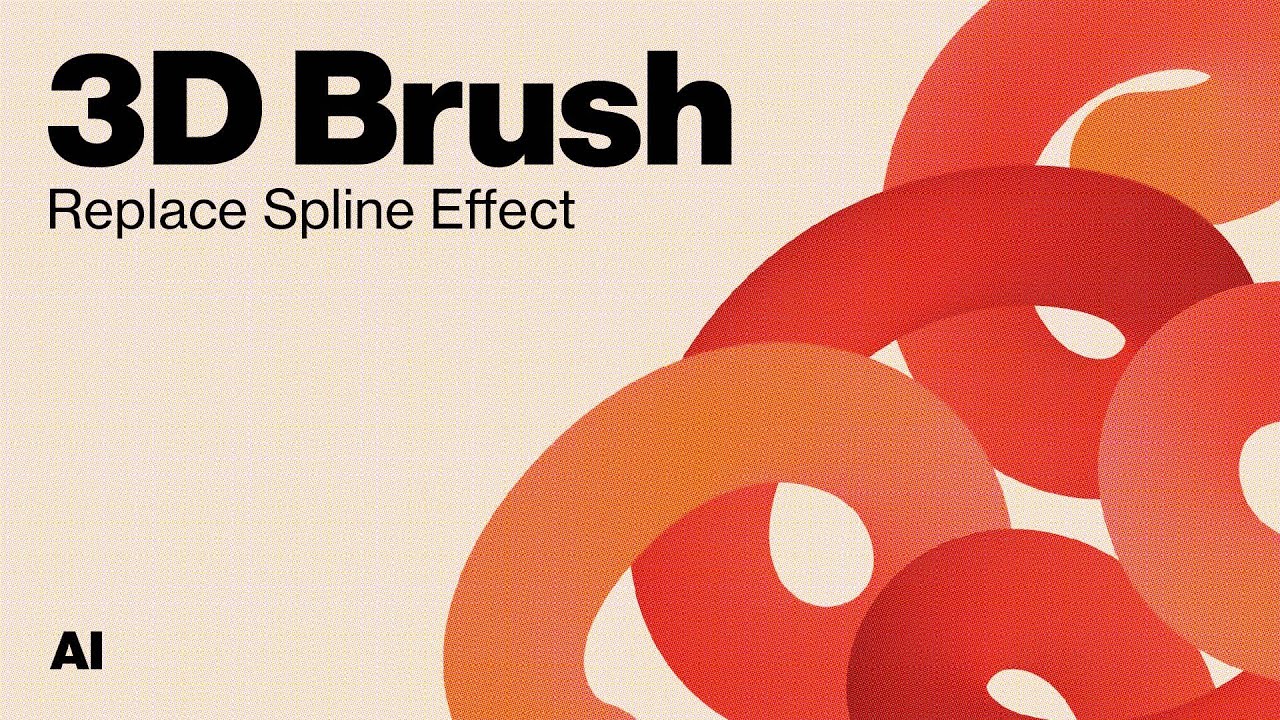
Create a 3D looking brush effect in Adobe Illustrator using the Blend tool and the replace spline tool. With this easy adobe illustrator tutorial you can create a gradient and add it to a brush stroke to create a unique 3D effect with whatever color palette you decide to make.
Instagram: @bctld
Portfolio: johnbechtold.myportfolio.com
Accéder à la chaine Youtube